URLs
Add individual web pages to your project. Use URLs when you need specific pages rather than entire websites.
tip
For multiple pages from the same website, use sitemaps instead.
When to use URLs
Use URLs to:
- Add specific pages from different websites
- Test new content before adding full sites
- Include only high-priority pages from larger sites
- Add pages that aren't in sitemaps
Requirements
- Publicly accessible (not behind login).
- Full URL with protocol (e.g.,
https://example.com/page). - Page contains text content (not just images or videos).
Add URLs
-
In the Biel.ai dashboard, select your project.
-
Go to Settings > Sources > URLs.
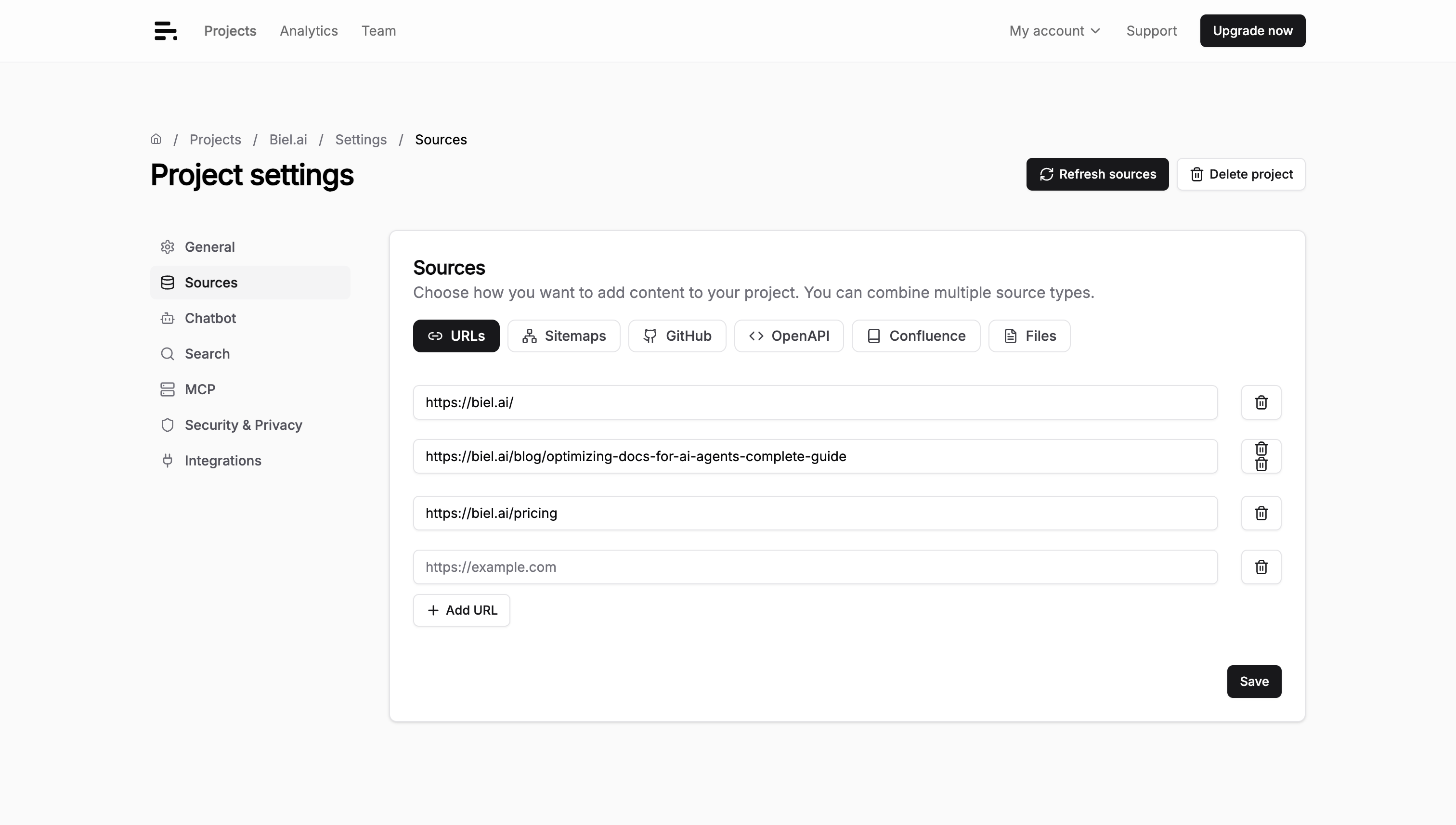
-
Enter the full URL (including
https://). -
Click Save.
Example URLs:
https://example.com/blog/getting-started
https://docs.example.com/api-reference
https://support.example.com/troubleshooting
Troubleshooting
URL not indexing
- Verify the URL is publicly accessible.
- Check the URL includes
https://. - Check if the site blocks crawlers in
robots.txt.
Content not appearing
- Wait 5-10 minutes for processing.
- Test with specific questions about the page content.
- Check if the page relies on JavaScript to render content.