Manage team
Open Team in the top navigation bar to view team details and members.
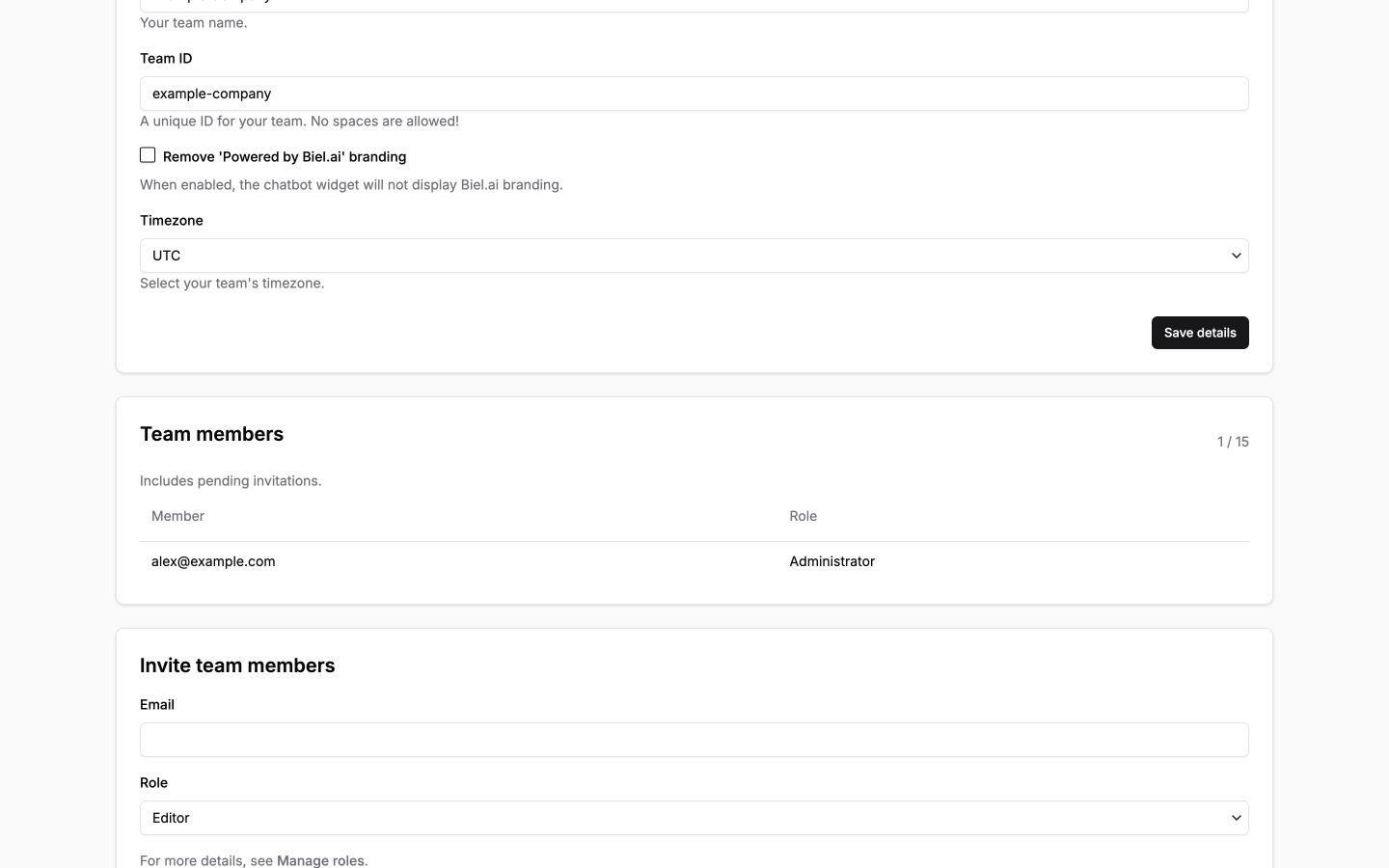
- Change the team name.
- Change the team URL slug and timezone.
- Enable or disable Remove 'Powered by Biel.ai' branding (whitelabel).
- Invite new members.
- Remove members.
- Manage member roles and permissions.
- Manage your subscription.
Click Save details to apply changes to the Details card.
important
Administrators can save team details and change branding. The Invite team members form is visible to Administrators. Administrators and Maintainers can view the Team page and manage other members' roles. You cannot change your own role or remove the team's last administrator. See Manage roles.