Ask AI assistant widget for Mintlify
Add an AI assistant or AI search widget to your Mintlify documentation using Biel.ai's web components.
Prerequisites
- A Biel.ai account. If you don't have one, sign up for free.
- A project created in your Biel.ai dashboard. Follow the Quickstart guide to create one.
- A Mintlify documentation site ready to install Biel.ai.
Add the assistant widget
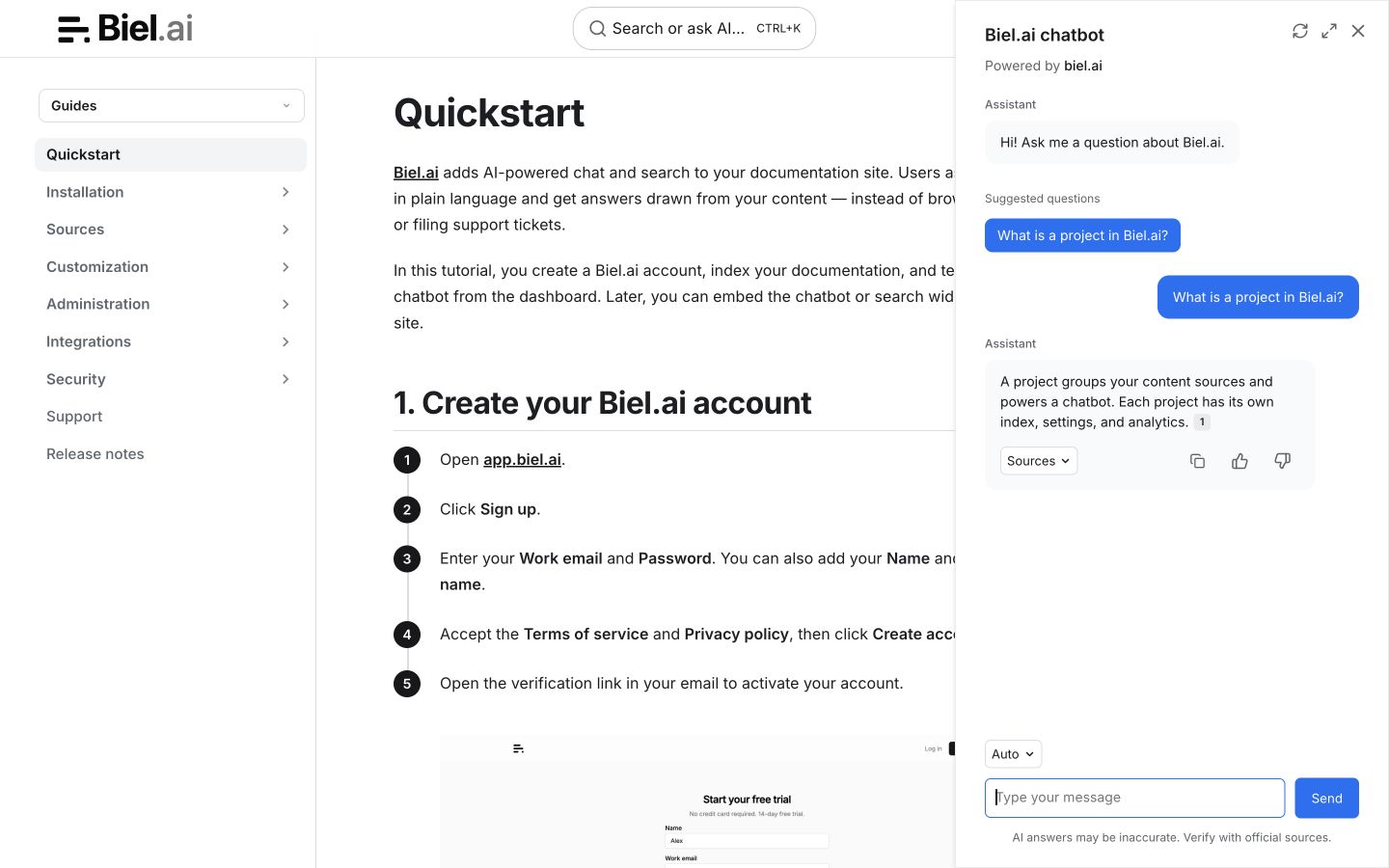
-
Create
biel.jsbeside yourdocs.jsonfile. Mintlify loads custom JavaScript files from the content directory on every page; noheadorscriptsentries are needed in the configuration.(() => {const link = document.createElement('link');link.rel = 'stylesheet';link.href = 'https://cdn.jsdelivr.net/npm/biel-search/dist/biel-search/biel-search.css';document.head.appendChild(link);const script = document.createElement('script');script.type = 'module';script.src = 'https://cdn.jsdelivr.net/npm/biel-search/dist/biel-search/biel-search.esm.js';document.head.appendChild(script);function addButton() {if (document.getElementById('biel-docs-button')) return;const button = document.createElement('biel-button');button.id = 'biel-docs-button';button.setAttribute('project', '<YOUR_PROJECT_ID>');button.setAttribute('header-title', 'Biel.ai assistant');button.setAttribute('button-position', 'bottom-right');button.setAttribute('modal-position', 'bottom-right');button.setAttribute('button-style', 'dark');button.textContent = 'Ask AI';document.body.appendChild(button);}addButton();window.addEventListener('mintlify:navigate', addButton);})();Replace
<YOUR_PROJECT_ID>with your project's ID from the Biel.ai dashboard. -
Save the file and run your Mintlify development server:
mint dev -
Open your documentation site and navigate between pages to verify the assistant remains available.
Alternative: Using MDX components
For a button on selected pages, keep the stylesheet and module-loading code in biel.js, but omit addButton() and its navigation listener. Then place the element in an MDX component:
-
Create a new file
components/BielChat.mdxin your Mintlify project:<biel-button project="<YOUR_PROJECT_ID>"header-title="Biel.ai assistant"button-position="bottom-right"modal-position="bottom-right"button-style="dark">Ask AI</biel-button> -
Import and use this component in any MDX page where you want the assistant to appear.
Next steps
- Customize the widget's appearance, behavior, and tone.
- Connect integrations like GitHub Actions, MCP, or Zapier.