Ask AI assistant widget for ReadMe
Add an AI assistant or AI search widget to your ReadMe documentation using Biel.ai's web components.
Prerequisites
- A Biel.ai account. If you don't have one, sign up for free.
- A project created in your Biel.ai dashboard. Follow the Quickstart guide to create one.
- A ReadMe project with a paid plan that allows custom JavaScript.
- Admin access to your ReadMe project.
Add the assistant widget
-
Log in to your ReadMe dashboard and navigate to your project.
-
Access appearance settings:
- Open Appearance in the project dashboard.
- Select CSS, JS, HTML, then the JavaScript editor. See ReadMe's customization guide for the controls available on your plan.
tipIf you don't see the Custom JavaScript & CSS option, verify that your ReadMe plan includes this feature.
-
Add the Biel.ai initialization code in the Custom JavaScript field:
(function() {var link = document.createElement('link');link.rel = 'stylesheet';link.href = 'https://cdn.jsdelivr.net/npm/biel-search/dist/biel-search/biel-search.css';document.head.appendChild(link);var script = document.createElement('script');script.type = 'module';script.src = 'https://cdn.jsdelivr.net/npm/biel-search/dist/biel-search/biel-search.esm.js';document.head.appendChild(script);script.onload = function() {var button = document.createElement('biel-button');button.setAttribute('project', '<YOUR_PROJECT_ID>');button.setAttribute('header-title', 'Biel.ai assistant');button.setAttribute('button-position', 'bottom-right');button.setAttribute('modal-position', 'bottom-right');button.setAttribute('button-style', 'dark');button.textContent = 'Ask AI';document.body.appendChild(button);};})();Replace
<YOUR_PROJECT_ID>with your project's ID from the Biel.ai dashboard. -
Click Save to apply the changes.
-
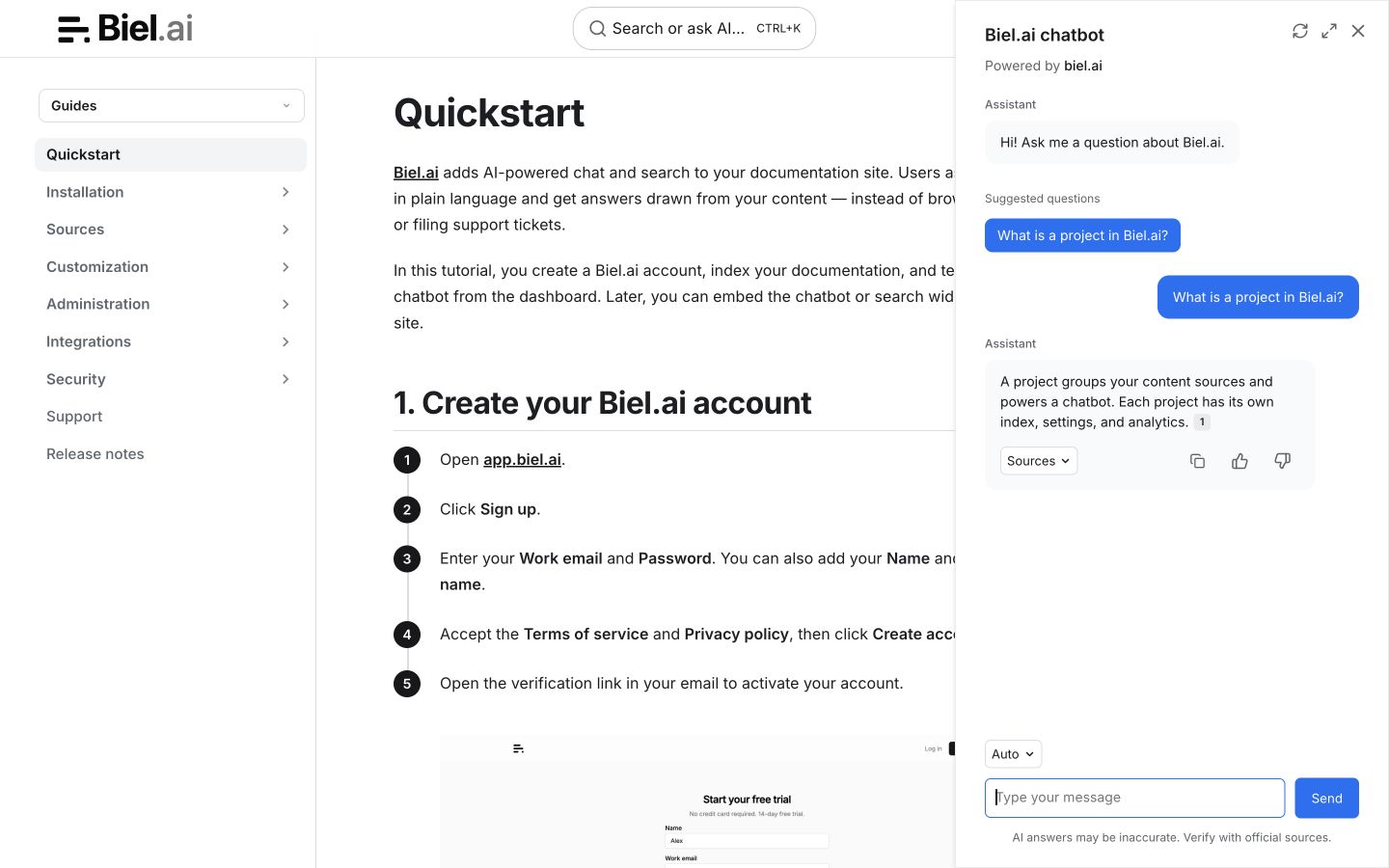
Visit your ReadMe documentation in a web browser to verify the assistant appears and works correctly.
Troubleshooting
Custom JavaScript not available
- Check ReadMe's current customization permissions for your project's plan
- Contact your ReadMe admin to upgrade if needed
Assistant not appearing
- Check your browser console for any error messages
- Ensure the script has loaded properly (look in the Network tab)
- Verify your project ID is correct
Conflicts with ReadMe's chat widget
- If you're using ReadMe's built-in Intercom or other chat widgets, you may want to adjust positioning
- Use the
button-positionattribute to move the Biel.ai widget (e.g.,bottom-left,center-right)
Next steps
- Customize the widget's appearance, behavior, and tone.
- Connect integrations like GitHub Actions, MCP, or Zapier.