Ask AI assistant widget for Read the Docs
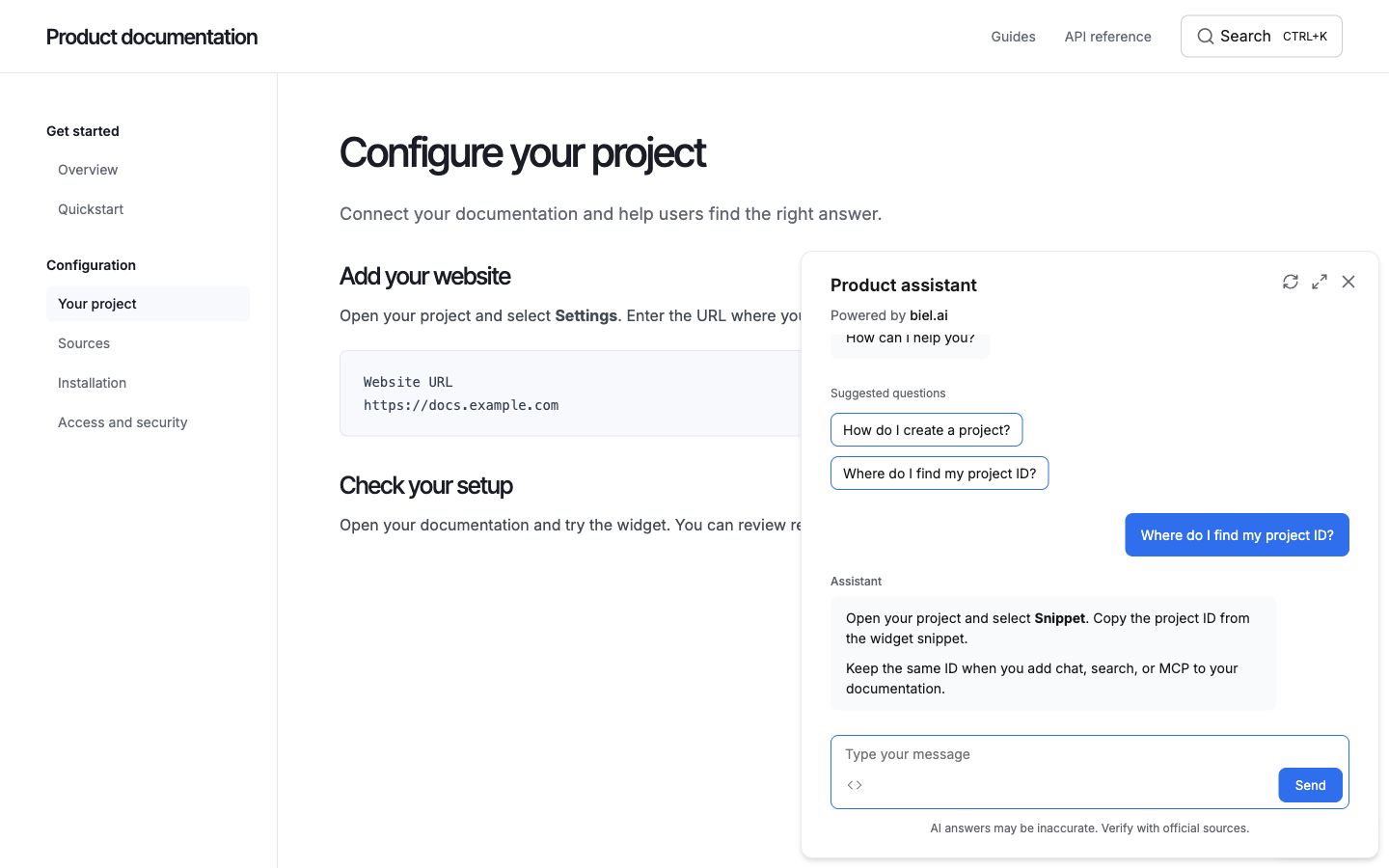
Add an AI assistant or AI search widget to your Read the Docs documentation using Biel.ai's web components. You can also connect AI agents through MCP, with or without installing the widget.
Prerequisites
- A Biel.ai account.
- A project with indexed content.
- A Read the Docs project using Sphinx or MkDocs.
- Access to your documentation repository to modify theme files.
Installation for Sphinx
Using the Sphinx extension (Recommended)
If your Read the Docs project uses Sphinx, the easiest way to add Biel.ai is using the official Sphinx extension:
-
Install the Biel.ai extension via pip (add to your
requirements.txt):sphinx-biel -
Add the extension to your
conf.py:extensions = ['sphinx_biel']biel_project = '<YOUR_PROJECT_ID>'biel_header_title = 'Biel.ai assistant'biel_button_style = 'dark'Replace
<YOUR_PROJECT_ID>with your project's ID from the Biel.ai dashboard. -
Commit and push your changes. Read the Docs will automatically rebuild your documentation with the Biel.ai widget.
For more details, see the Sphinx installation guide.
Using custom templates
Alternatively, you can add Biel.ai using custom Sphinx templates:
-
Create a
_templatesdirectory in your docs folder if it doesn't exist. -
Create a file
_templates/layout.htmlwith the following content:{% extends "!layout.html" %}{% block extrahead %}{{ super() }}<link rel="stylesheet" href="https://cdn.jsdelivr.net/npm/biel-search/dist/biel-search/biel-search.css"><script type="module" src="https://cdn.jsdelivr.net/npm/biel-search/dist/biel-search/biel-search.esm.js"></script>{% endblock %}{% block footer %}{{ super() }}<biel-button project="<YOUR_PROJECT_ID>"header-title="Biel.ai assistant"button-position="bottom-right"modal-position="bottom-right"button-style="dark">Ask AI</biel-button>{% endblock %}Replace
<YOUR_PROJECT_ID>with your project's ID from the Biel.ai dashboard. -
Update your
conf.pyto use the templates directory:templates_path = ['_templates'] -
Commit and push your changes.
Installation for MkDocs
If your Read the Docs project uses MkDocs:
-
Create a directory called
overridesin your docs folder. -
Create a file
overrides/main.htmlwith the following content:{% extends "base.html" %}{% block extrahead %}{{ super() }}<link rel="stylesheet" href="https://cdn.jsdelivr.net/npm/biel-search/dist/biel-search/biel-search.css"><script type="module" src="https://cdn.jsdelivr.net/npm/biel-search/dist/biel-search/biel-search.esm.js"></script>{% endblock %}{% block content %}{{ super() }}<biel-button project="<YOUR_PROJECT_ID>"header-title="Biel.ai assistant"button-position="bottom-right"modal-position="bottom-right"button-style="dark">Ask AI</biel-button>{% endblock %}Replace
<YOUR_PROJECT_ID>with your project's ID from the Biel.ai dashboard. -
Update your
mkdocs.ymlto use the custom theme directory:theme:name: material # or your chosen themecustom_dir: overrides -
Commit and push your changes. Read the Docs will rebuild with the assistant included.
Add the search widget
- Use the search setup for your documentation framework:
- Use your Biel.ai project ID in the search element. Add the extension or plugin to the dependencies installed by Read the Docs.
- Commit and push the changes. When Read the Docs finishes building, open Search, enter a documentation term, and open a result.
Troubleshooting
Widget not appearing after rebuild
- Check the build logs on Read the Docs for any errors
- Verify your template files are in the correct location
- Ensure your project ID is correct
Build failures
- For Sphinx extension issues, verify
sphinx-bielis in your requirements file - Check that your Python version is compatible
- Review the Read the Docs build log for specific error messages
Styling conflicts
- Different Read the Docs themes may have different styling
- Adjust the
button-positionandmodal-positionattributes if needed - See the customization section for style overrides
Connect AI agents with MCP
Let AI tools search and read your indexed documentation. MCP is available on every plan and during your trial.
- In the Biel.ai dashboard, open your project’s Settings > MCP.
- Select Enable MCP server and click Save.
- In the widget, open Connect via MCP using the
<>button. Select your AI client or choose MCP URL to copy the endpoint into its settings.
Without the widget: after enabling MCP, copy MCP endpoint from Settings > MCP and add it to your AI client. No widget installation or website changes are required.
The widget also exposes WebMCP tools to compatible browser agents visiting your site. Use the latest widget release and keep Enable WebMCP selected in Settings > MCP.
Next steps
- Customize the widget's appearance, behavior, and tone.
- Connect integrations like GitHub Actions, MCP, or Zapier.