Ask AI assistant for Nimbus documentation
Add source-linked chat to a Cloudflare Nimbus documentation site with the astro-biel integration. Nimbus generates a standard Astro project, so Biel can load beside the existing Nimbus integration without changing the documentation layout.
Nimbus already includes Pagefind search and agent-readable Markdown, llms.txt, sitemap, and structured-data output. Biel complements those features with interactive answers, usage analytics, content-gap reporting, and an optional hosted MCP endpoint.
Prerequisites
- A Biel.ai account.
- A Biel project with your published Nimbus documentation URL added as a source.
- A Nimbus site created with
@cloudflare/create-nimbus-docs. - Node.js 22.12 or later, as required by Nimbus.
Add the assistant
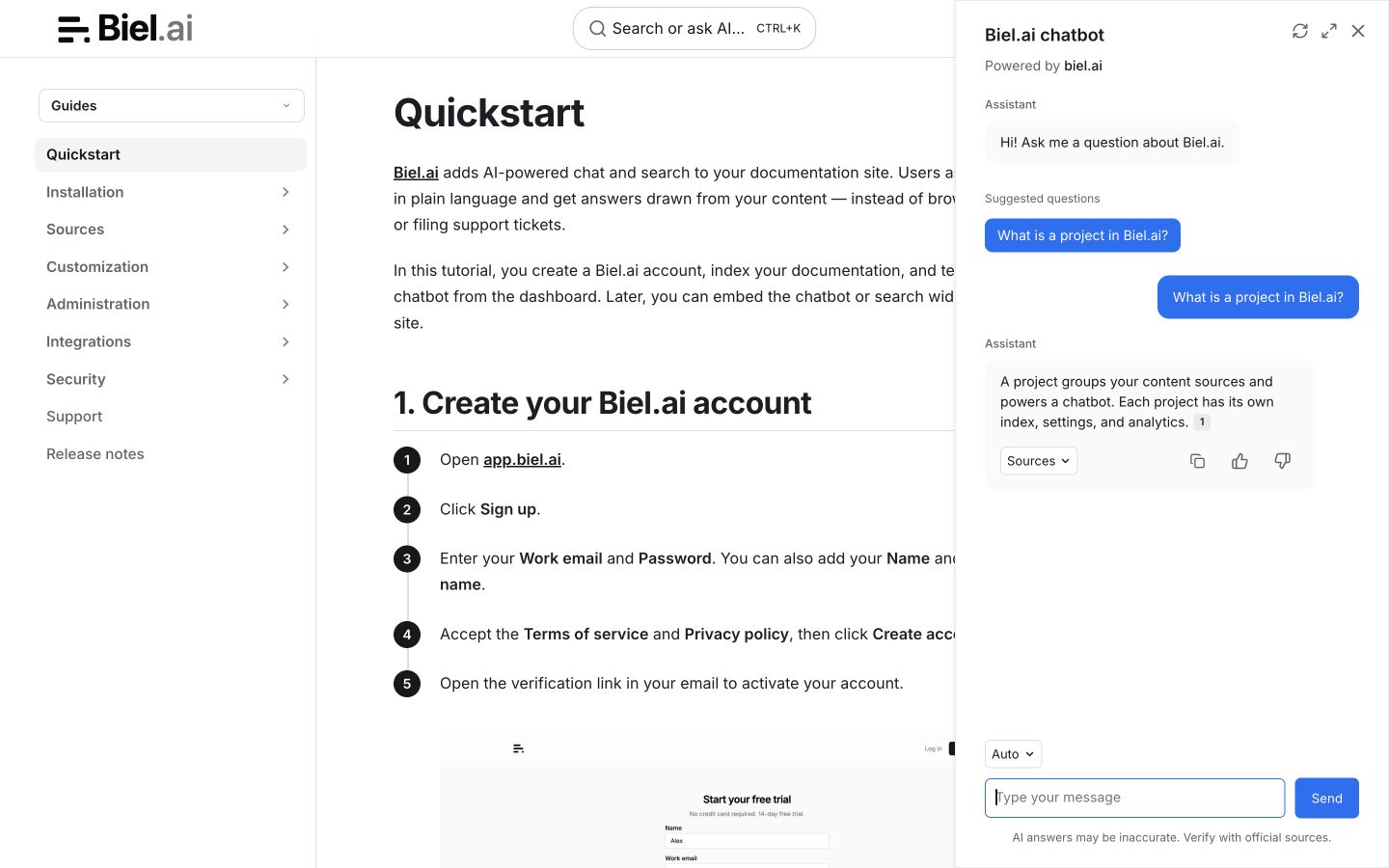
The recommended starting point is to keep Nimbus's built-in search and add Biel as a separate Ask AI button.
-
Install
astro-bielin the Nimbus project:npm install astro-bielUse the equivalent
pnpm add,yarn add, orbun addcommand if the project uses another package manager. -
Open
astro.config.tsand import the integration:import biel from "astro-biel"; -
In the existing
integrationsarray, append the following item after the currentnimbus(...)item:biel({project: "<YOUR_PROJECT_ID>",headerTitle: "Documentation AI",buttonPosition: "bottom-right",}),The relevant part of the configuration should now follow this structure:
export default defineConfig({// Keep the output, Vite, prefetch, and other Nimbus settings.integrations: [nimbus(nimbusConfig, {// Keep the Nimbus options already in your project.}),biel({project: "<YOUR_PROJECT_ID>",headerTitle: "Documentation AI",buttonPosition: "bottom-right",}),],});Replace
<YOUR_PROJECT_ID>with the project ID from the Biel dashboard. Do not remove Nimbus's existing rules, Markdown plugins, Tailwind Vite configuration, or deployment settings. -
Start Nimbus and check the site:
npm run devThe Ask AI button should appear in the bottom-right corner and remain available as Astro's ClientRouter moves between pages.
Customize the assistant
Pass Biel's layout options as camelCase properties:
biel({
  project: "<YOUR_PROJECT_ID>",
  bielButtonText: "Ask AI",
  buttonPosition: "bottom-right",
  modalPosition: "sidebar-right",
  buttonStyle: "dark",
  headerTitle: "Documentation AI",
});
Set enable: false to hide the widget without removing the configuration.
Choose how page search should work
Nimbus includes Pagefind search. You have two useful configurations:
- Keep Nimbus search and add Ask AI: recommended for most sites. Readers keep the familiar Pagefind interface and use the separate Biel button when they need an answer.
- Use Biel page search: useful when you want page results and an Ask AI handoff in the same search interface.
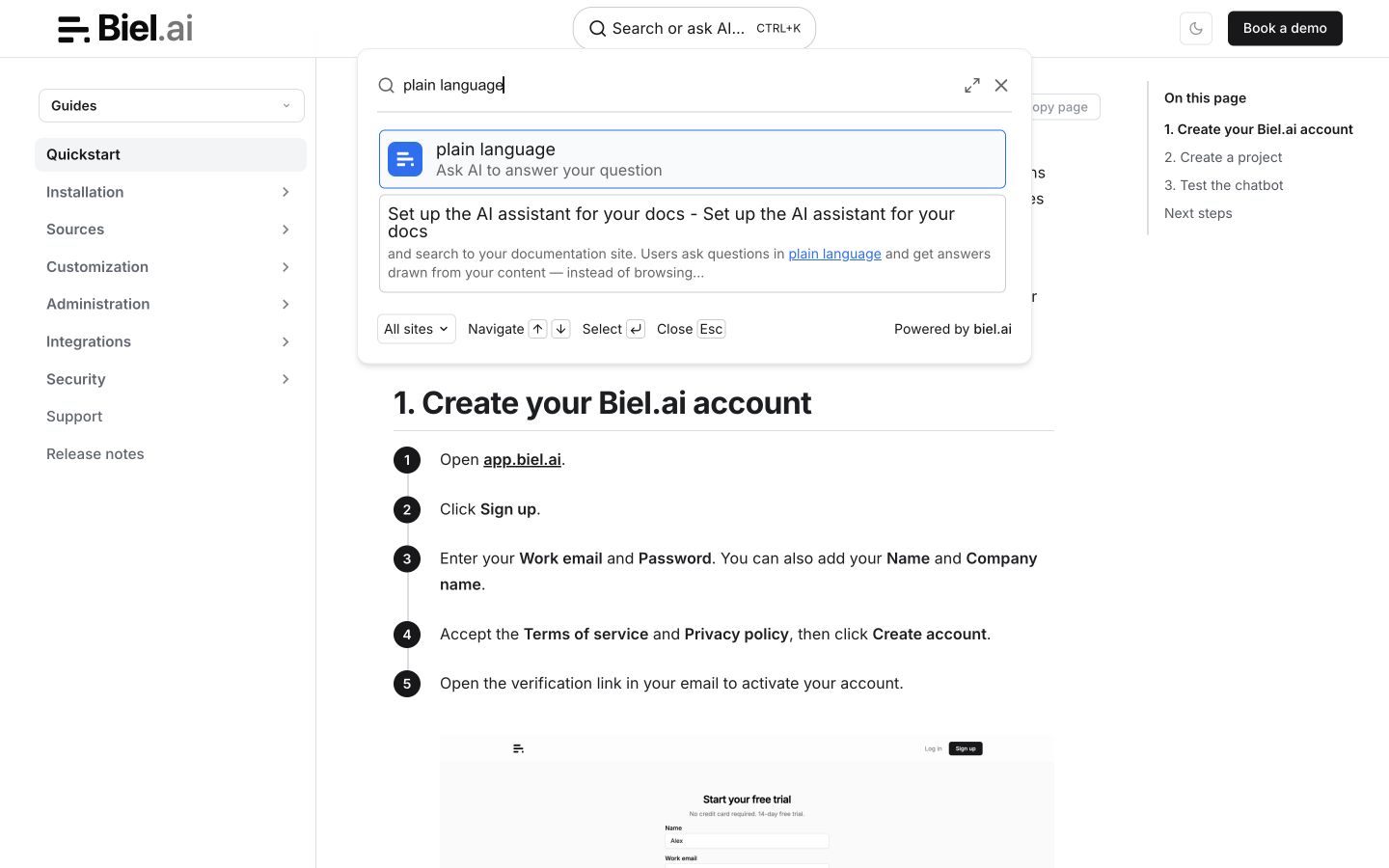
To use Biel page search, install and configure the integration even if you are starting with search only:
npm install astro-biel
Import biel from astro-biel in astro.config.ts and append biel({ project: "<YOUR_PROJECT_ID>" }) to your existing integrations array after nimbus(...). Keep Nimbus's existing configuration.
Then replace the search trigger:
-
Disable Nimbus Pagefind in
astro.config.tsso its keyboard shortcut does not remain active:const nimbusConfig = defineNimbusConfig({// Keep the other Nimbus options already in your project.search: false,}); -
Open
src/components/Header.astroand remove theSearchTriggerimport. -
Replace the existing Nimbus search trigger:
{config.search !== false && <SearchTrigger />}with:
<biel-search-buttonproject="<YOUR_PROJECT_ID>"header-title="Documentation AI"button-style="rounded">Search docs</biel-search-button>
The astro-biel integration already loads the assets required by the search component. The search widget and assistant use the same Biel project and indexed documentation.
Add hosted MCP
Nimbus's Markdown alternates and llms.txt make documentation readable by agents. A Biel MCP server adds an interactive endpoint that Claude, Cursor, Cline, and other compatible tools can query.
Open the Biel project's Settings > MCP, enable the server, and click Save. Copy the displayed MCP endpoint or use the widget's Connect menu. Paste that complete URL into your client's configuration; endpoint formats and metadata can vary by deployment. For example:
{
  "mcpServers": {
    "biel-ai": {
      "type": "http",
      "url": "https://mcp.biel.ai/v2/YOUR_PROJECT_SLUG/mcp"
    }
  }
}
Troubleshooting
The widget does not appear
- Confirm
biel(...)is inside the exported Astrointegrationsarray. - Confirm the project ID matches the Biel dashboard.
- Restart the Nimbus development server after changing
astro.config.ts. - Check that
enableis not set tofalse.
Search appears twice
Keep both search triggers only if you intentionally want both interfaces. Otherwise set search: false in the Nimbus configuration and remove Nimbus's SearchTrigger when adding <biel-search-button>.
Nimbus changed a generated component
The assistant uses Astro's integration API and does not depend on the Nimbus header. If a Nimbus update changes Header.astro, review only the optional page-search placement. Nimbus is currently pre-1.0, so pin versions and review its changelog before upgrading.
Next steps
- Customize Biel to match the Nimbus theme and terminology.
- Review the Astro integration guide for all
astro-bieloptions. - Read the Nimbus installation guide.
- View the
astro-bielsource.