Ask AI assistant widget for Zensical
Add a Biel.ai AI assistant or AI search widget to your Zensical site using template overrides. Zensical is the static site generator from the Material for MkDocs team, and it supports the same custom_dir template overrides — so the Biel.ai widget drops in with a few lines of config.
Prerequisites
- A Biel.ai account.
- A project with indexed content.
- A Zensical site.
Add the assistant widget
The <biel-button> component adds a floating chat button to your site.
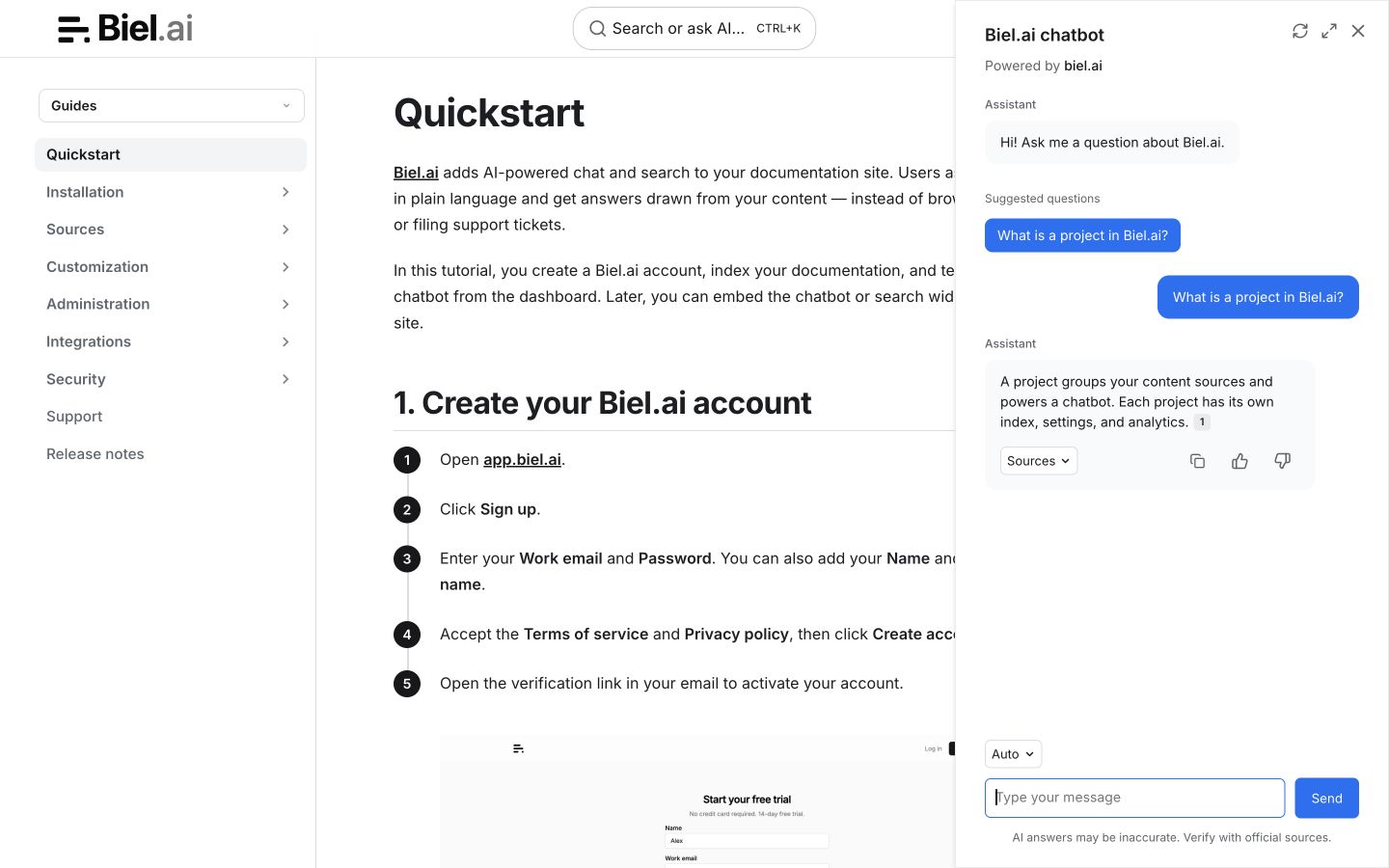
-
Create a custom template directory:
mkdir -p overrides -
Create
overrides/main.htmlwith the following content:{% extends "base.html" %}{% block extrahead %}<link rel="stylesheet" href="https://cdn.jsdelivr.net/npm/biel-search/dist/biel-search/biel-search.css"><script type="module" src="https://cdn.jsdelivr.net/npm/biel-search/dist/biel-search/biel-search.esm.js"></script>{% endblock %}{% block content %}{{ super() }}<biel-button project="<YOUR_PROJECT_ID>"header-title="Documentation AI"button-position="bottom-right"modal-position="bottom-right"button-style="dark">Ask AI</biel-button>{% endblock %}Replace
<YOUR_PROJECT_ID>with your project's ID from the Biel.ai dashboard. -
Point Zensical at the overrides directory.
In
zensical.toml:[project.theme]custom_dir = "overrides"If your project still uses the legacy
mkdocs.yml, the equivalent is:theme:custom_dir: overrides -
Run
zensical serveand verify the chat button appears in the bottom-right corner.
Disable conflicting keyboard shortcuts
Like Material for MkDocs, Zensical registers keyboard shortcuts (f, s, / for search; p, n for navigation) that can conflict with Biel.ai's input handling. To disable them:
-
Create
docs/javascripts/disable-search-autofocus.js:document.addEventListener('keydown', (e) => {const blockedKeys = ['f', 's', '/', 'p', 'n', ',', '.'];if (blockedKeys.includes(e.key.toLowerCase())) {e.stopPropagation();}}); -
Register the script.
In
zensical.toml:[project]extra_javascript = ["javascripts/disable-search-autofocus.js"]Or in
mkdocs.yml:extra_javascript:- javascripts/disable-search-autofocus.js
Next steps
- Customize the widget's appearance, behavior, and tone.
- Connect integrations like GitHub Actions, MCP, or Zapier.